Unofficial guide. This site is not run by the DroidDeck team and hosts no APK files. Every download link goes to the official GitHub releases page.

DroidDeck: Steam and PC games on Android

DroidDeck is a free, open-source Android app that brings the SteamOS experience to Android: the real Steam client in Big Picture mode on a Snapdragon phone or handheld, with Windows games running through Valve’s ARM64 Proton. No root and no gaming PC needed. You need Android 9 or newer with an Adreno 730 or newer GPU, and you install the APK from the official GitHub releases page. This unofficial DroidDeck guide explains what it is, what you need and where to get it safely.
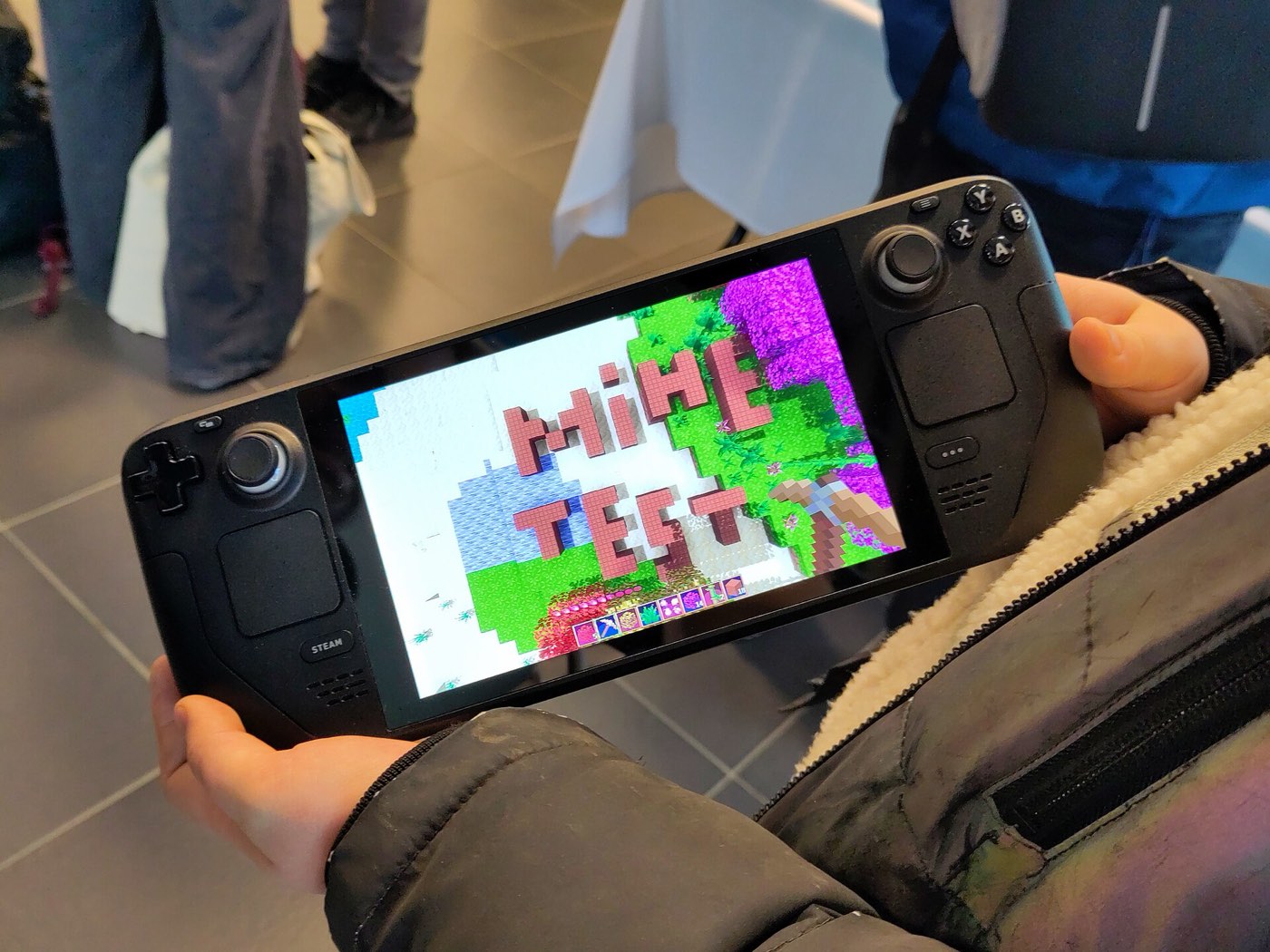
A player holding a Steam Deck running a block-building game

Pictured: a Steam Deck in Big Picture mode. DroidDeck brings the same Steam client to Snapdragon Android phones and handhelds.

Latest DroidDeck version: 0.7.1, released November 10, 2026. The APK is 96.6 M

The button opens the official GitHub releases page. This site does not host APK files.

Advertisement

Checked against DroidDeck 0.7.1 · Last reviewed November 15, 2026 · Sources: official README · 0.7.1 release notes

What is DroidDeck?

Valve’s own Steam client on your phone, Windows games through Proton and no PC.
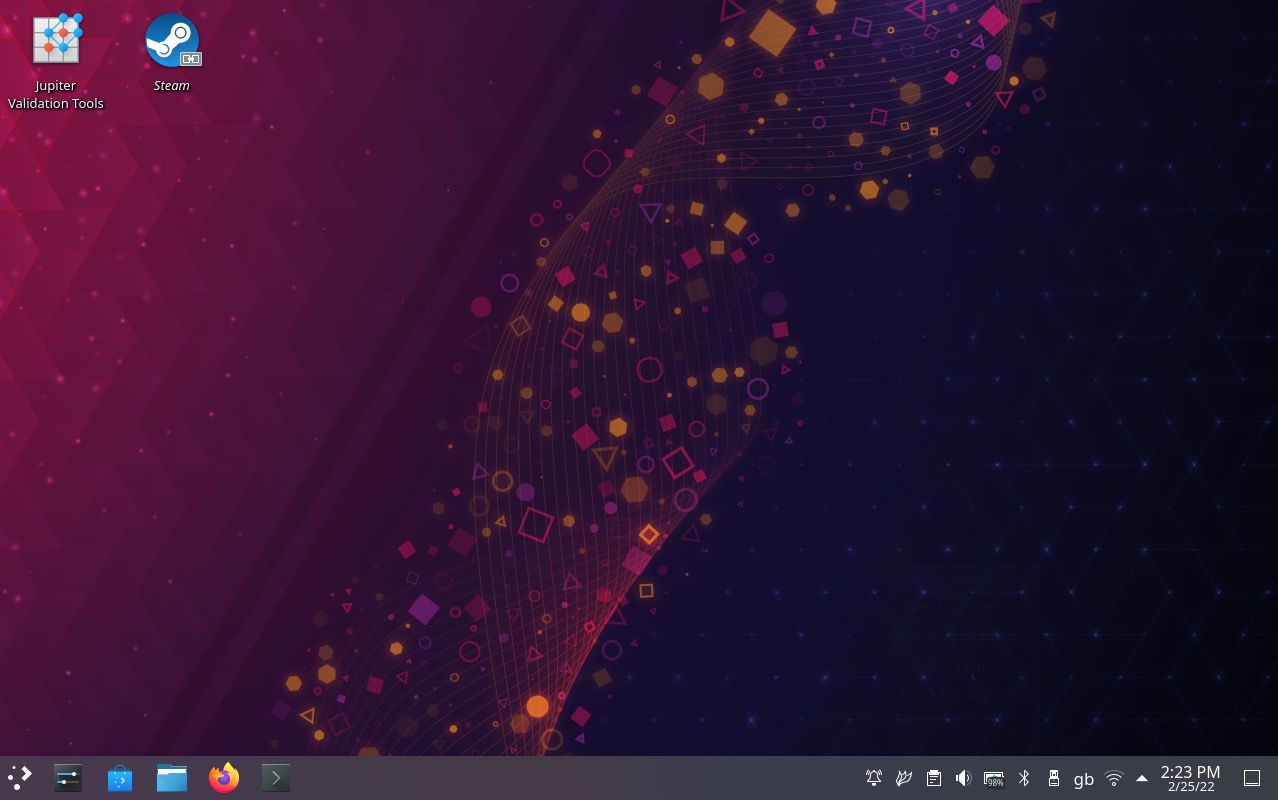
DroidDeck is an open-source Android app that turns a phone or Android handheld into something close to a Steam Deck. It does not stream games from a PC. It downloads Valve’s native ARM64 Steam client onto the device and runs it in Big Picture mode. Windows games then run through Valve’s ARM64 Proton together with FEX, the same compatibility approach SteamOS uses, adapted for Android.

The project is developed in the open on GitHub under the Droid-Deck organisation and licensed under GPL-3.0. Its first release from that organisation was version 0.2.0 on September 28, 2026. Earlier 0.1 builds were published from a contributor’s personal repository before the move.

Advertisement

Every DroidDeck guide

DroidDeck at a glance

latest version
0.7.1
minimum system
Android 9+
or any Adreno 8xx
Adreno 730+
required
No root
for the runtime
~3 GB
free and open source
GPL-3.0

What DroidDeck can do

Seven things the app does today, each from the official README and release notes.

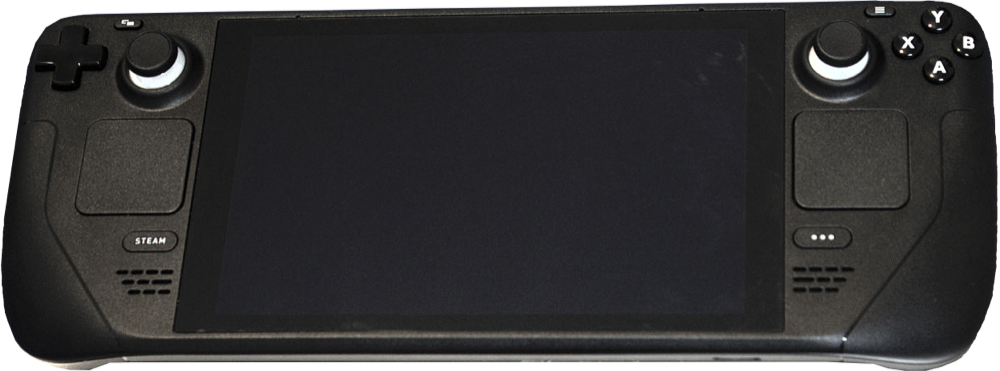
  • Front of a Steam Deck handheld

    Run your Steam library

    Sign in to Steam, install a game and press Play. Steam downloads itself on first launch.

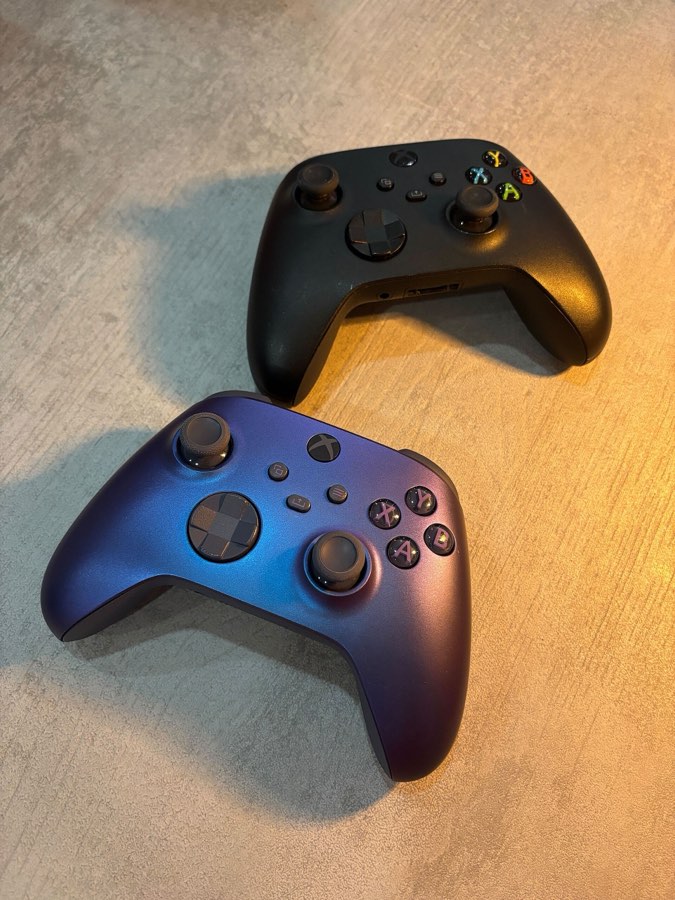
  • Two Xbox controllers on a table

    Act like a Steam Deck controller

    In Steam sessions your pad is read as a Steam Deck controller, with a Quick Access button and gyro. Version 0.4.0 added Steam’s own touch controller and support for up to four controllers.

  • GOG
    Epic
    Amazon
    Xbox
    itch.io

    Use other stores

    Since 0.4.0, DroidDeck can sign in to GOG, Epic Games and Amazon Games, download their games and add them to Steam as non-Steam games. GOG and Epic games support cloud saves. Version 0.5.0 adds Epic’s own Linux launcher, 0.6.0 adds an experimental Xbox and PC Game Pass store and an itch.io store, 0.6.7 adds Battle.net, Xbox Cloud Gaming and one Library for every store, and 0.7.0 adds Game Jolt.

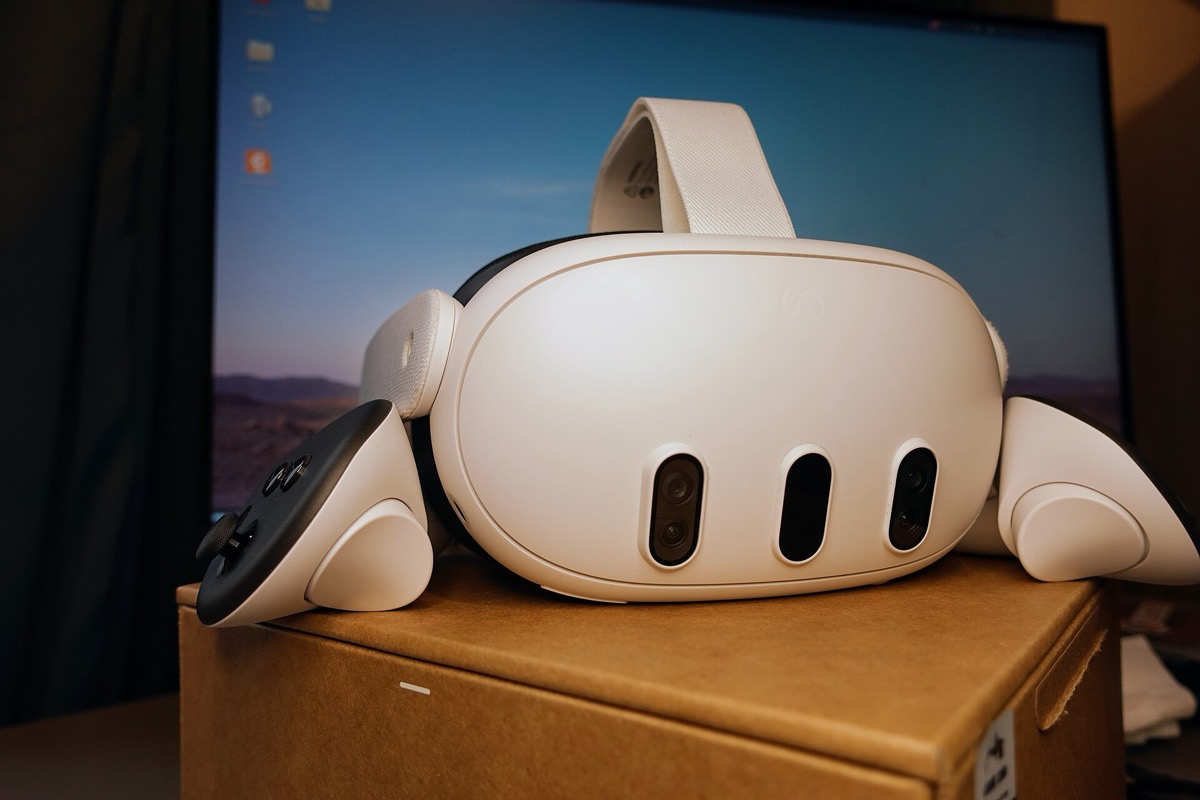
  • A Meta Quest 3 headset

    Play in VR

    Since 0.5.0, SteamVR runs on Meta Quest 3 and 3S, on supported VITURE, RayNeo and XREAL glasses, and in a Cardboard viewer mode on the phone. The VR guide covers each one.

  • A KDE Plasma desktop with a Steam icon

    Offer a Linux desktop

    An optional desktop install adds a KDE Plasma desktop and emulators; since 0.6.7 it is Kubuntu’s Plasma on Ubuntu 26.04 LTS, with apt, Flatpak and Snap. The first release listed RPCS3, ARMSX2, Dolphin, DuckStation, melonDS, Cemu, PPSSPP and RetroArch.

  • Flathub
    and your own AppImages

    Install Linux apps

    A Flathub store installs ARM64 apps and games, and you can add your own AppImages.

  • FSR
    GSR
    frame limiter

    Tune performance

    A performance overlay, a frame limiter, image scaling with FSR and Snapdragon GSR, and a GPU drivers tab that picks a matching driver for your device.

What you need to run DroidDeck

DroidDeck needs Android 9 or newer and a supported Qualcomm Adreno GPU: Adreno 730 or newer, or any Adreno 8xx. Adreno 6xx was added as experimental in version 0.3.2. Version 0.7.0 adds initial support for Mali, Xclipse and PowerVR graphics, so MediaTek, Google Tensor and Exynos devices can start sessions for the first time; the Adreno 710 is still not supported. The supported devices page goes through this in detail.

Allow about 3 GB of storage for the Linux runtime and about 1.1 GB more for the desktop and emulators. No root is needed. One system setting has to be changed before Steam will start; the install guide covers it.

Will it run on your phone?

Adreno 750
Snapdragon 8 Gen 3 for Galaxy
Supported range

The status follows the official GPU rule above, applied to the chip each maker publishes. It is not a hands-on test. The full table has every model and region.

Where to download DroidDeck safely

The only official source is the DroidDeck releases page on GitHub. The developers state plainly that DroidDeck has no stand-alone website and that you should not use download links from sites claiming to be the DroidDeck team.

That includes this site. DroidDeck Guide is unofficial, hosts no files, and sends you to GitHub for the APK. The DroidDeck APK page explains the four files on each release and how to verify the one you downloaded.

github.com/Droid-Deck/DroidDeck/releases
DroidDeck 0.7.1
November 10, 2026 · 96.6 MB
  • DroidDeck-0.7.1.apk most people
  • DroidDeck-0.7.1-pubg.apk
  • DroidDeck-0.7.1-antutu.apk
  • DroidDeck-0.7.1-ludashi.apk

Recent DroidDeck versions

VersionReleasedAPK sizeHeadline changes
0.7.1November 10, 202696.6 MBFix release: Steam games stuck at “Processing install script”, endless loading after quitting a game, grayscale colour on PowerVR, games that need EasyAntiCheat, GOG DLC, Scarlet snow light theme
0.7.0November 8, 202696.6 MBInitial Mali, PowerVR and Xclipse support, Game Jolt store, KDE desktop and swap screens on dual-screen handhelds, shared Steam libraries, Syncthing, controller profiles, PC-style mouse and keyboard
0.6.9October 31, 202676.7 MBDual-screen handheld fixes, controller button shortcuts, Steam launch options in DroidDeck, frame limit without Steam, banking apps open again
0.6.7October 29, 202676.1 MBOne Library for every store, Xbox Cloud Gaming, Battle.net store, Ubuntu 26.04 runtime with Kubuntu desktop, dual-screen and portrait support, deeper sleep
0.6.0October 22, 202667.7 MBXbox and PC Game Pass store (experimental), itch.io store, touchscreen gestures, Remote Play video, smaller APK, faster starts on Adreno
0.5.0October 18, 2026105.9 MBSteamVR on Meta Quest 3 and 3S, XR glasses, Cardboard VR, Epic Games Launcher, optional x86-64 Steam client
0.4.0October 12, 202646.6 MBKDE Plasma desktop, GOG, Epic Games and Amazon Games libraries, Steam touch controller, up to four controllers
0.3.2October 8, 202638.3 MBAdreno 6xx support, Steam libraries on SD cards, native Steam sleep, downloads that keep running
0.3.1October 5, 202637.0 MBDecky plugin import, esync and fsync options, FSR and GSR scaling, visual effects page
0.3.0October 2, 202631.4 MBSteam Deck controller mode, performance overlay, automatic GPU drivers, Flathub store, in-app updates
0.2.0September 28, 202630.5 MBFirst release from the Droid-Deck organisation: native ARM64 Steam client, launcher, Linux desktop with emulators

More detail on each version is in the DroidDeck changelog.

Known limits

The developers are open about what DroidDeck does not do well yet. Compatibility and performance vary by device, and hardware validation is limited. The desktop uses software rendering for compositing. On Adreno 6xx, DirectX 12 games can still crash. Treat any list of “guaranteed working” games with caution, because results depend on the exact chip, driver and game version.

Advertisement

DroidDeck questions

What it isWhat is DroidDeck?

DroidDeck is a free, open-source Android app that runs Valve’s own ARM64 Steam client in Big Picture mode on a Snapdragon phone or handheld. Windows games run through Valve’s ARM64 Proton and FEX, so you install and launch them from your Steam library the way you would on a Steam Deck.

PriceIs DroidDeck free?

Yes. DroidDeck is released under the GPL-3.0 licence and costs nothing. You still need to own the games in your Steam, GOG, Epic Games or Amazon Games account.

RootDoes DroidDeck need root?

No. The official documentation states that no root is required.

WebsiteIs there an official DroidDeck website?

No. The project README says DroidDeck has no website and tells you to download it only from the repository’s Releases page. Earlier versions of the README also warned against download links on sites claiming to be the DroidDeck team. The official home is the GitHub repository. This page is an unofficial guide and links to GitHub for every download.

PhonesWhich phones can run DroidDeck?

Android 9 or newer with an Adreno 730 or newer GPU, or any Adreno 8xx. Adreno 6xx is experimental. Since 0.7.0 there is initial support for Mali, PowerVR and Xclipse GPUs (MediaTek, Google Tensor and Exynos), while the Adreno 710 is still listed as unsupported. See the devices page for details.

StorageHow much storage does DroidDeck need?

About 3 GB for the Linux runtime, plus about 1.1 GB more if you install the desktop and emulators. Your games need their own space on top of that.

QuestDoes DroidDeck work on Meta Quest?

Yes, experimentally. Since version 0.5.0 the standard APK runs on Meta Quest 3 and 3S as a 2D panel and can start SteamVR in the headset. Meta Quest 2 support is experimental. See the DroidDeck VR guide.

StreamingIs DroidDeck the same as streaming from a PC?

No. DroidDeck runs the games on the phone itself. Nothing is streamed from a computer, so it also works without a gaming PC.

For help with a specific device, the developers point users to the DroidDeck Discord. All official links are on the DroidDeck Discord and links page.